
Passwords were never intended to bear the burden we impose on them. Most people use the same password for multiple accounts, pick passwords that are easily guessed, and rarely change them after an attack. Cybercriminals understand this, and they take advantage of this oversight on a massive scale.
The problem with passwords alone
Every year, the internet sees billions of stolen credentials come to life because of a data breach. Hackers use this information, putting it into automated tools that attempt to access your online bank, email, and social media accounts through a technique called credential stuffing. Using a password multiple times means that one breach at an obscure website can allow criminals access to your most important accounts.
Phishing intensifies the situation. A sophisticated stolen login page can collect passwords of the users who try to log into their accounts within seconds without regard to the strength of their passwords.
What two-factor authentication does
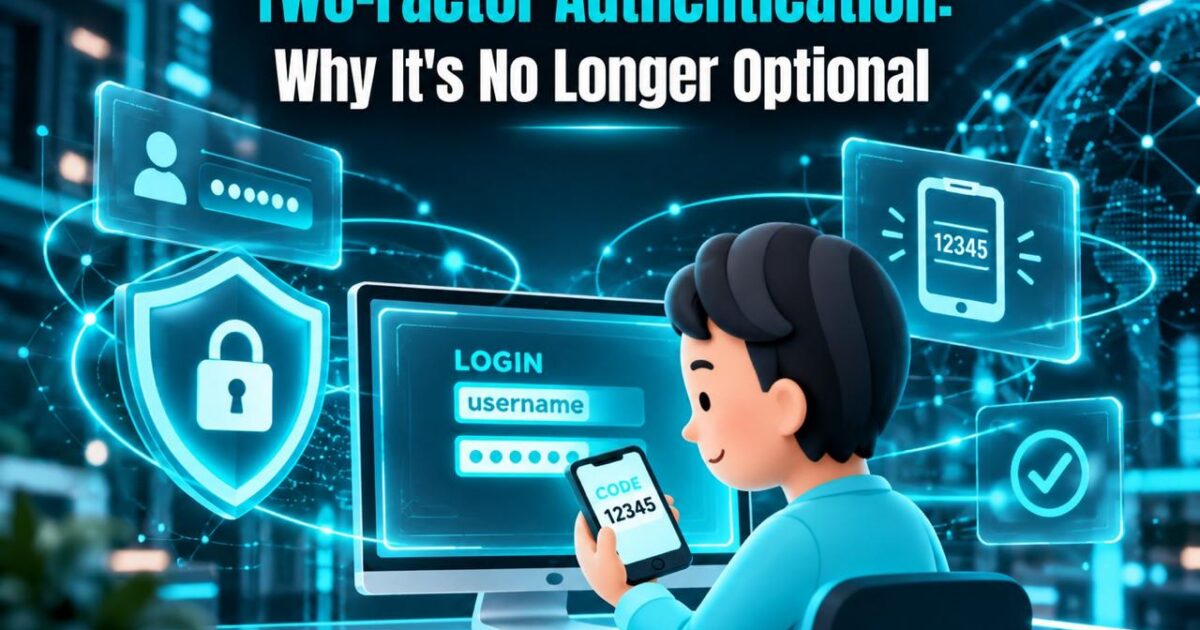
This method of two-step verification (2FA) requires another check apart from your password. It asks for something you know (your password) as well as something you have (your phone or token) or something you are (fingerprint or face). Even if someone has your password, he/she can still be prevented from taking the second action.
Why it’s now essential
- Your accounts store a great deal of information. Email services reset passwords, banks carry out transactions, and cloud services store your photos and files. A hacked account can allow criminals to access many other accounts.
- The attacks are automated. The hackers do not even need to target you directly. Bot programs try to apply the stolen password for it to succeed.
- This technique is efficient. Microsoft has stated that multi-factor authentication prevents more than 99% of automated attacks that compromise accounts.
- It is usually mandatory. Banks, workplaces, and insurance firms have begun to make the technique a must, and many companies use it by default.
Not all 2FA is equal
Method | Security | Notes |
Security keys / passkeys | Highest | Resistant to phishing |
Authenticator apps | High | Codes generated on your device |
SMS codes | Moderate | Better than nothing, but vulnerable to SIM-swapping |
Use an authenticator app, a security key, or a passkey instead of text messages if you can.
How to get started today
The email is the first point of contact for resetting the remaining other accounts. After your email address, use care with your banking, social media, and cloud storage accounts. To secure access to the accounts, use an app such as Google Authenticator, Microsoft Authenticator or Authy. Store your backup codes securely and offline. Finally, use a specialized password manager to store all your passwords.
Setting up two-factor authentication (2FA) is quick and easy, taking a matter of minutes. However, recovering from hijacked accounts can take weeks and costs money, data, and peace of mind. In the present threat landscape, 2FA is simply a matter of good digital hygiene, so enable it while you can.