
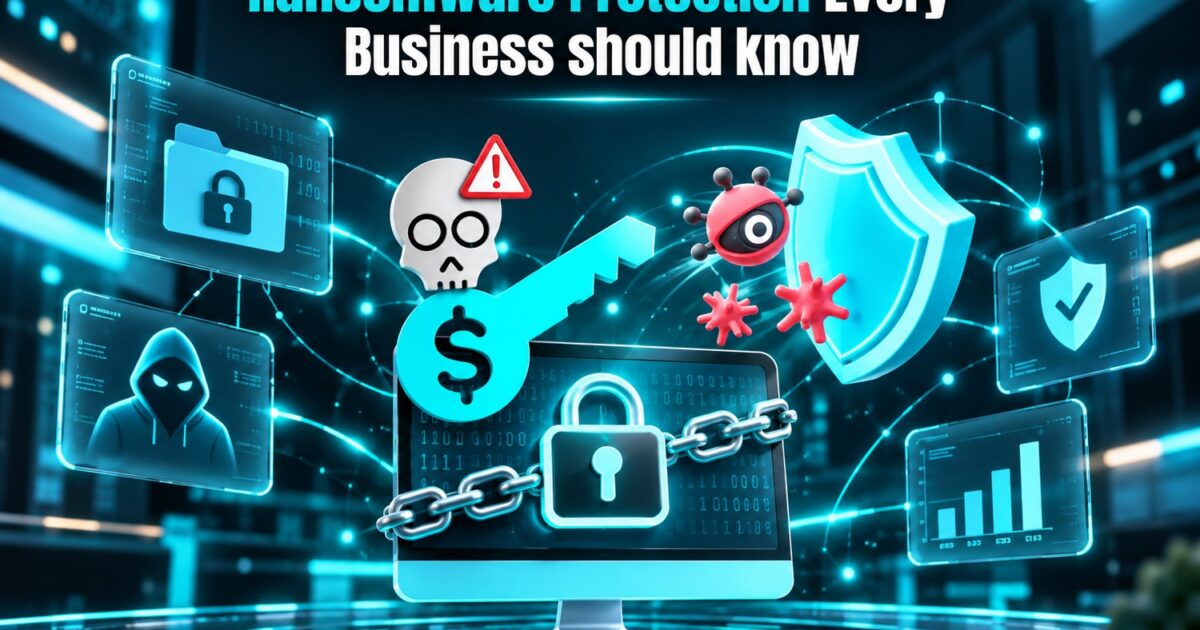
Ransomware is bad software that locks up your files or systems and asks for money to unlock them. Attackers have taken it a step further by stealing your data and threatening to leak it. Even if a company can recover its data by restoring it from its backups, it may still face risks because of the threat of the data leak. This threat is not limited to large companies only. In fact, cybercriminals have a preference for small and mid-sized businesses, which usually have weaker cybersecurity defenses.
Fortunately, most of the time, attackers manage to infiltrate their targets by exploiting a few common vulnerabilities. Fix those vulnerabilities, and most of your cybersecurity worries will disappear.
How ransomware usually gets in
- Phishing emails with malicious links or attachments, the most common route.
- Stolen or weak passwords, especially on remote access tools and email accounts.
- Unpatched software with known vulnerabilities.
- Exposed remote desktop (RDP) or VPN access with no extra protection.
- Compromised suppliers or third-party accounts that already have access to your systems.
Seven protections that matter most
- Keep backups safe from ransomware. For this, follow the 3-2-1 approach to data backup, which states that you should store three copies of data on two different storage devices, but at least one of them should be kept offline. Perform tests to see if it works.
- Activate Multi-factor Authentication to secure your data. In this case, you need to focus on e-mail accounts, cloud services, remote access, and administrator accounts. This way you can prevent a great number of attacks starting with a stolen password.
- Apply patches on time. In other words, regularly update software regarding os, browsers, firewalls, software and other devices. Do not postpone the internet appliance system update.
- Teach your workers. It is better to hold training sessions several times a year.
- Restrict permissions. Provide employees with only the access they require. If one account gets hacked, the damage remains compartmentalized. Only use administrator rights and do not associate them with a regular account.
- Use endpoint protection and email filtering. Comprehensive endpoint security can pick up any unusual activity and block it, and filtering can ensure that malicious emails are blocked before they can be seen.
- Ensure that remote access is safe. Avoid direct remote desktop access via the internet. Instead, use a VPN or zero-trust access solution alongside MFA.
Have a plan before something goes wrong
Write a simple incident response plan and keep a printed copy. It should cover:
- Who to call first (IT lead, external security provider, management, or legal).
- How to isolate affected devices quickly by disconnecting them from the network.
- Where your clean backups are and who can restore them.
- Who handles communication with staff, customers, and regulators.
- Contact details for your cyber insurer and law enforcement, if applicable.
Run a short tabletop exercise once a year so nobody is learning the plan for the first time during a crisis.
Should you pay the ransom?
Security experts and law enforcement agencies usually caution against stepping into the question. Paying ransom does not guarantee return of transliterated data. Authorities believe that you may be tagged as “a payer” and generate further criminal activity. It can also cause some problems during lawsuits depending on your location and the type of attackers. If you are attacked, you must call experts or law enforcement before taking any action.
Anti-ransomware tools are not a product in themselves but multilayered preventive measures: working backups, MFA systems, up-to-date software, trained personnel with a low level of access to data, and a practice plan. Start implementing your backup and MFA systems in the coming week.